
Columbus
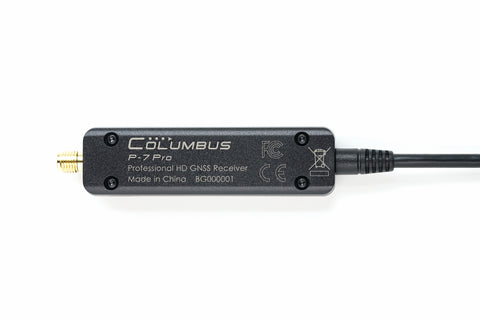
Columbus P-7 Pro Submeter (0.5 meter accuracy) USB and Bluetooth GNSS Receiver
Columbus P-7 Pro Submeter (0.5 meter accuracy) USB and Bluetooth GNSS Receiver
Country of Origin: China
Couldn't load pickup availability
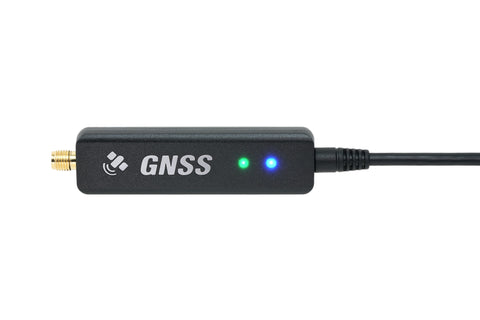
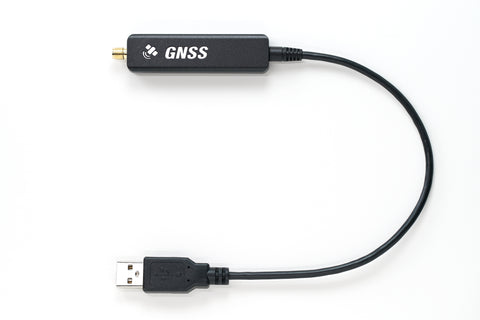
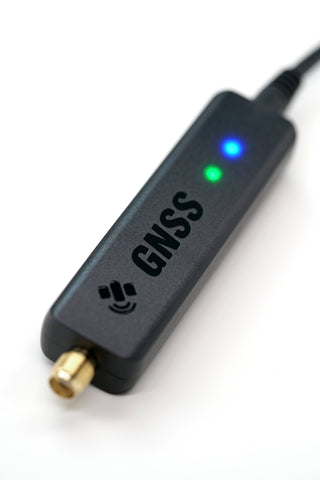
The Columbus P-7 Pro is an easy-to-use GNSS receiver that delivers sub-meter positioning—0.5 m CEP (50%). Connect it by USB to a computer or by Bluetooth to a mobile device, and stream high-accuracy positioning data in real time to GIS and GPS applications on smartphones, tablets, and computers.
0.5 m CEP (50%) · Dual-frequency L1 + L5 · 5 Hz update rate · 6 constellations · Quad output interfaces · USB + BLE + SPP
Part Description

Key Features
0.5 Meter Accuracy
- Horizontal: 0.5 m CEP (50%) · 1.5 m CEP (95%)
- Lane-level positioning for mapping and GIS work
→ Sub-meter accuracy without an RTK correction subscription
5 Hz Update Rate
- Up to 5 Hz (1 Hz default)
- Smoother tracks than typical 1 Hz phone GPS
→ Better track detail for driving and dynamic logging
Dual-Frequency L1 + L5
- Monitors two frequencies on the same satellite
- Helps correct ionospheric delay and multipath
→ Stronger performance than single-frequency receivers
Six Constellations
- GPS · GLONASS · Galileo · BeiDou · QZSS · IRNSS
- Faster, more reliable lock worldwide
→ Multi-constellation coverage for field reliability
Quad Output Interfaces
- 1 × Bluetooth SPP · 1 × Bluetooth BLE
- 2 × USB serial / COM ports
→ Up to four devices can share one receiver at once
Multi-Platform Compatible
- Windows · macOS · Linux · Android · iOS · iPadOS
- USB and Bluetooth connection options
→ One receiver for phones, tablets, and desktop GIS tools
How Accurate Is the P-7 Pro?
- Horizontal: 0.5 m CEP (50%) · 1.5 m CEP (95%)
- Vertical / altitude: ±15 m* — comparable to barometer-class altitude measurement
CEP (Circular Error Probable): 0.5 m CEP (50%)* means more than half of track points fall within a 0.5 m radius; 1.5 m CEP (95%)* means more than 95% fall within a 1.5 m radius.
* Data from testing in ideal open environments.

Performance vs. Single-Frequency GPS
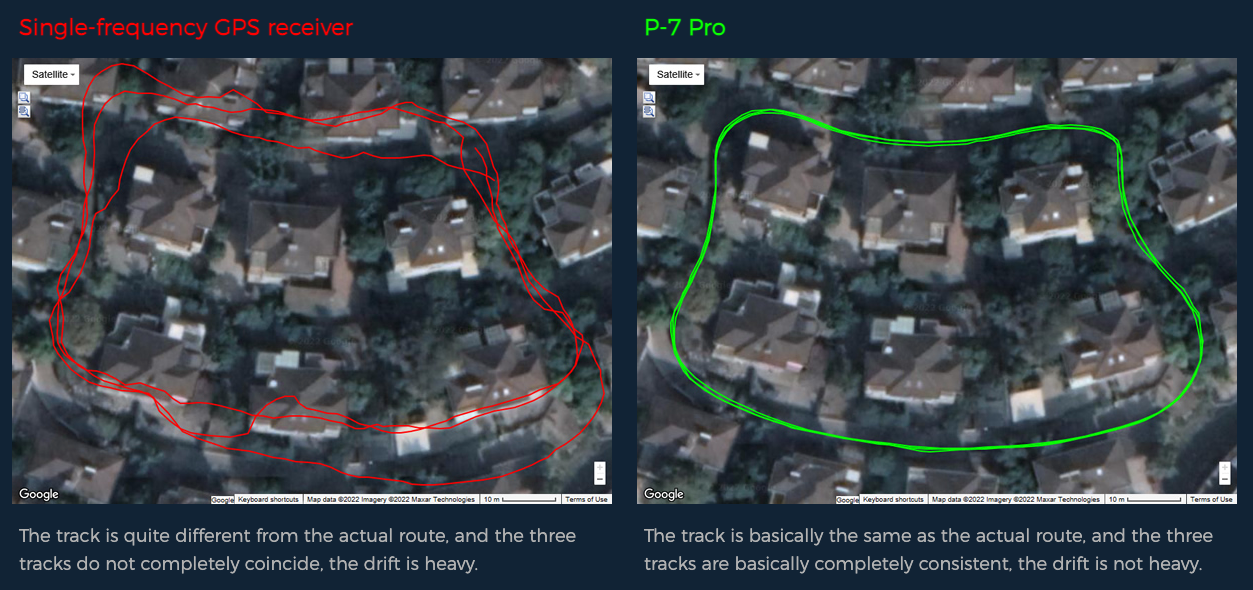
Field tests against a single-frequency GPS receiver under dense houses and trees, with the external antenna on the vehicle roof.
1. Low-Speed Driving Track Test
- Purpose: Record the same route three times to evaluate low-speed track consistency
- Time: UTC 2022-05-28 18:54:32 – 19:01:53 · Average speed: 6.9 km/h (4.3 mi/h)
- Surroundings: Dense houses and trees nearby
- Download original track file (NMEA)
2. Low-Speed Driving Track Test
- Purpose: Record the same route three times to evaluate low-speed track consistency
- Time: UTC 2022-05-28 19:05:17 – 19:11:24 · Average speed: 13.5 km/h (8.4 mi/h)
- Surroundings: Dense houses and trees nearby
- Download original track file (NMEA)

3. Driving / Lane Test
- Purpose: Drive back and forth on a single-lane road to see if left and right lanes can be distinguished
- Time: UTC 2022-05-28 19:24:27 – 19:29:00 · Average speed: 20.1 km/h (12.5 mi/h)
- Surroundings: Dense houses and trees nearby
- Download original track file (NMEA)

Why Is the P-7 Pro So Accurate?
1. Dual-Frequency
Supporting L1 + L5, the P-7 Pro can monitor two frequencies on the same satellite, compare the data, and help correct ionospheric delay—reducing atmospheric and multipath errors for sub-meter positioning.

2. Multi-Constellation Positioning
The P-7 Pro tracks GPS L1/L5, GLONASS L1, Galileo E1/E5a, BeiDou B1, QZSS L1/L5, and IRNSS L5. Compared with single-constellation GPS, multi-constellation reception improves availability, accuracy, and reliability worldwide.

Update Rate
The P-7 Pro supports up to 5 Hz (1 Hz default). Compared with a typical 1 Hz update rate, 5 Hz produces a smoother track—useful for faster motion and denser logging.

Why Use P-7 Pro If a Smartphone Already Has GPS?
Built-in phone or tablet GPS is typically about 5 m accuracy at 1 Hz. Connecting a P-7 Pro can deliver up to 0.5 m accuracy at 5 Hz—roughly 10× better positioning accuracy for GIS and field apps.

Operating System Compatibility
The P-7 Pro is compatible with the most common operating systems for laptops, tablets, and smartphones.

Important for iOS / iPadOS: Make sure your app is on the P-7 Pro compatible app list before purchase. If it is not listed, the P-7 Pro will not work with that iOS or iPadOS app.
Simultaneous Device Connections
The P-7 Pro supports four output interfaces: 1 × Bluetooth SPP, 1 × Bluetooth BLE, and 2 × USB serial / COM ports. Using all four, up to four devices can connect at once—for example one phone over Bluetooth SPP and another device over USB—each receiving GNSS data simultaneously.

Bluetooth
Built-in dual-mode Bluetooth supports BLE 5.1 and SPP 2.1, with a reliable range of more than 20 m (65 ft).

Dual USB COM Ports
When plugged into a computer, the P-7 Pro appears as two independent serial / COM ports. Two programs can share one receiver without a GPS proxy utility—effectively two GNSS data streams from a single device.

Dual-Frequency Active Antenna & Placement
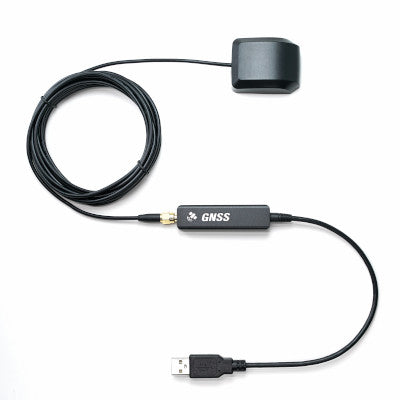
The P-7 Pro ships with an external dual-frequency active antenna to boost satellite reception and improve accuracy. A magnetic base mounts easily on surveying poles, vehicle roofs, and masts. The antenna is waterproof to IP66 for all-weather outdoor use.
Track accuracy depends strongly on antenna placement. Recommended placements by scenario:

Technical Specifications
Protection & Environment
| External Active Antenna | IP66 |
| Main Unit | Not waterproof |
| Operating Temperature | -20 °C to 50 °C / -4 °F to 122 °F |
GNSS Performance
| Frequencies | 1575.42 MHz (L1, C/A) · 1176.45 MHz (L5) |
| Constellations | GPS (L1+L5) · GLONASS (L1) · Galileo (E1+E5a) · QZSS (L1+L5) · BeiDou (B1) · IRNSS (L5) · SBAS |
Positioning Ability*
| Cold Start | < 34 seconds |
| Reacquisition | < 2 seconds |
| Horizontal Accuracy | 0.5 m CEP (50%) · 1.5 m CEP (95%) |
| Vertical Accuracy | ±15 m |
| Note | * Supports “EPS Pro” technology · 1 Hz mode · Ideal open-sky test conditions |
Output & Update Rate
| Protocol | NMEA 0183 |
| Baud Rate (Default) | 57,600 bps |
| Default Messages | GNRMC, GNGGA, GNGSV, GNGSA |
| Optional Messages | GNGLL, GNVTG |
| Geodesics | WGS84 |
| Update Rate | 1 Hz (default) · 5 Hz |
Bluetooth
| Modes | SPP 2.1 · BLE 5.1 |
| Range | > 20 m (65 ft) |
Connectors & Power
| USB | USB 2.0 Type-A |
| Antenna Connector | SMA |
| Antenna Cable | 300 cm / 9.8 ft |
| P-7 Pro Power | DC 5 V / 100 mA |
| External Antenna Power | DC 3.3 V / 20 mA |
System Requirements
| Windows | Windows XP or later |
| macOS | Mac OS X v10.9 or later |
| Linux | Kernel 2.6.12 or later |
| iOS | iOS 9.3 or later |
| Android | Android 7.0 or later |
| iPadOS | iPadOS 13 or later |
Size and Weight

What's in the Box
- P-7 Pro GNSS Receiver
- External Active Antenna
- Warranty Card
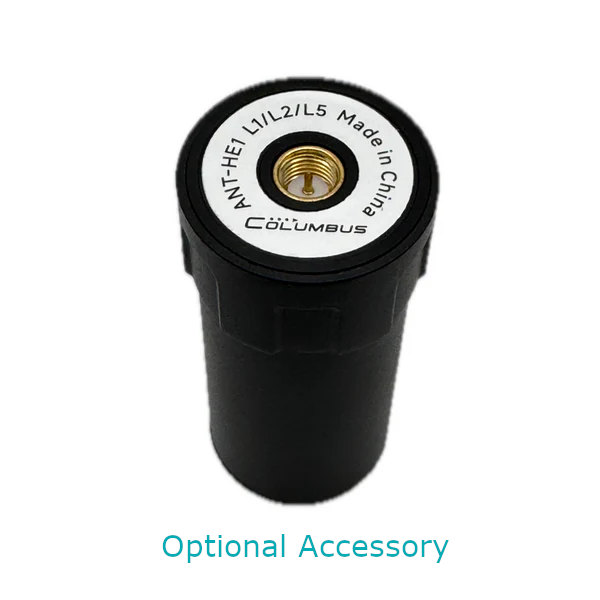
- Helical Antenna Kit (Optional)
Use P-7 Pro on iPhone & iPad
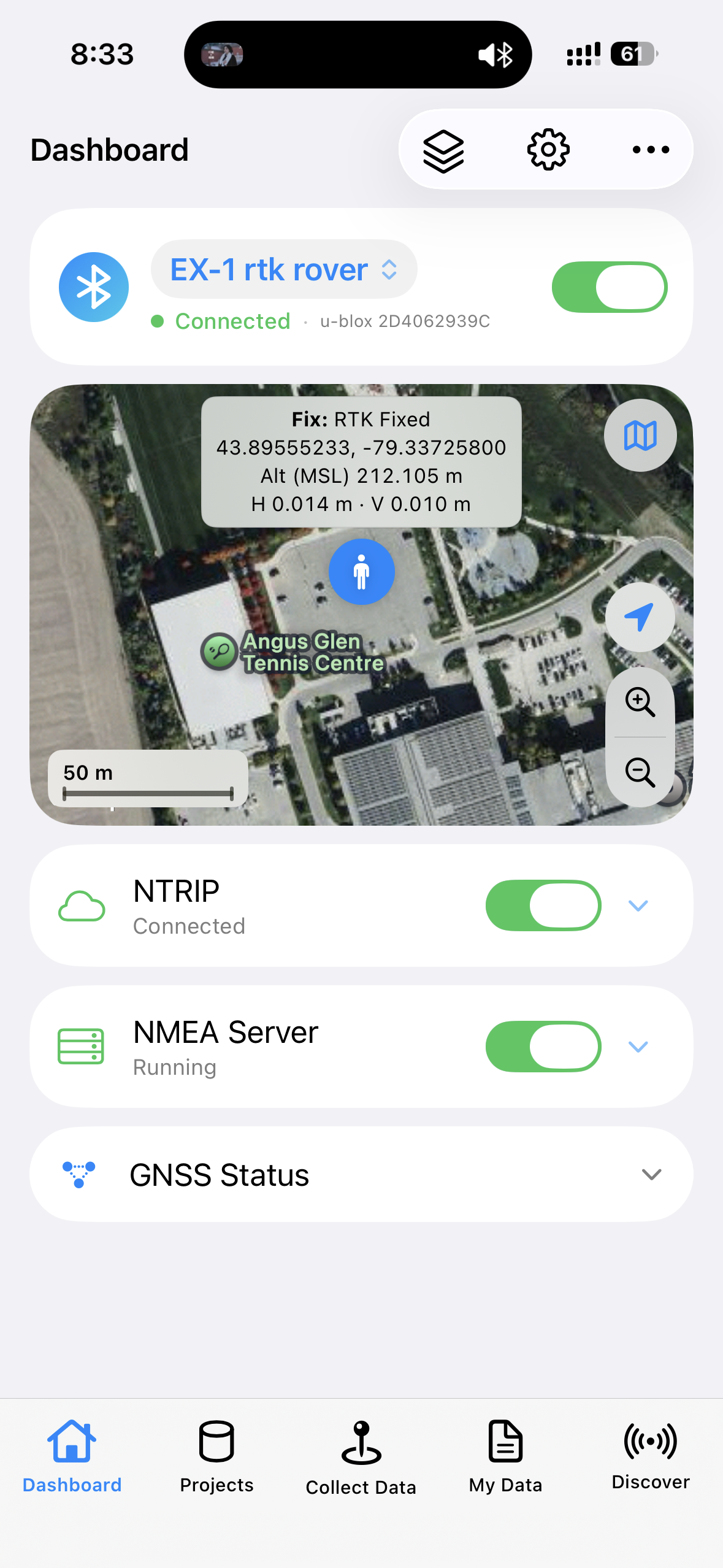
Pair the Columbus P-7 Pro with the free GeoAstra BLE-GNSS iOS app to stream receiver positions, share NMEA with other apps on the same device, and collect field data from iPhone or iPad.
GeoAstra BLE-GNSS is the software bridge that brings a compatible BLE GNSS receiver—such as P-7 Pro—onto iOS. Positions shown and recorded in the app come from the connected receiver, not from the built-in iPhone/iPad GPS.

Sub-Meter GNSS on iOS
Connect P-7 Pro over Bluetooth and bring sub-meter receiver positions onto iPhone or iPad for GIS and field workflows.
Local NMEA Server
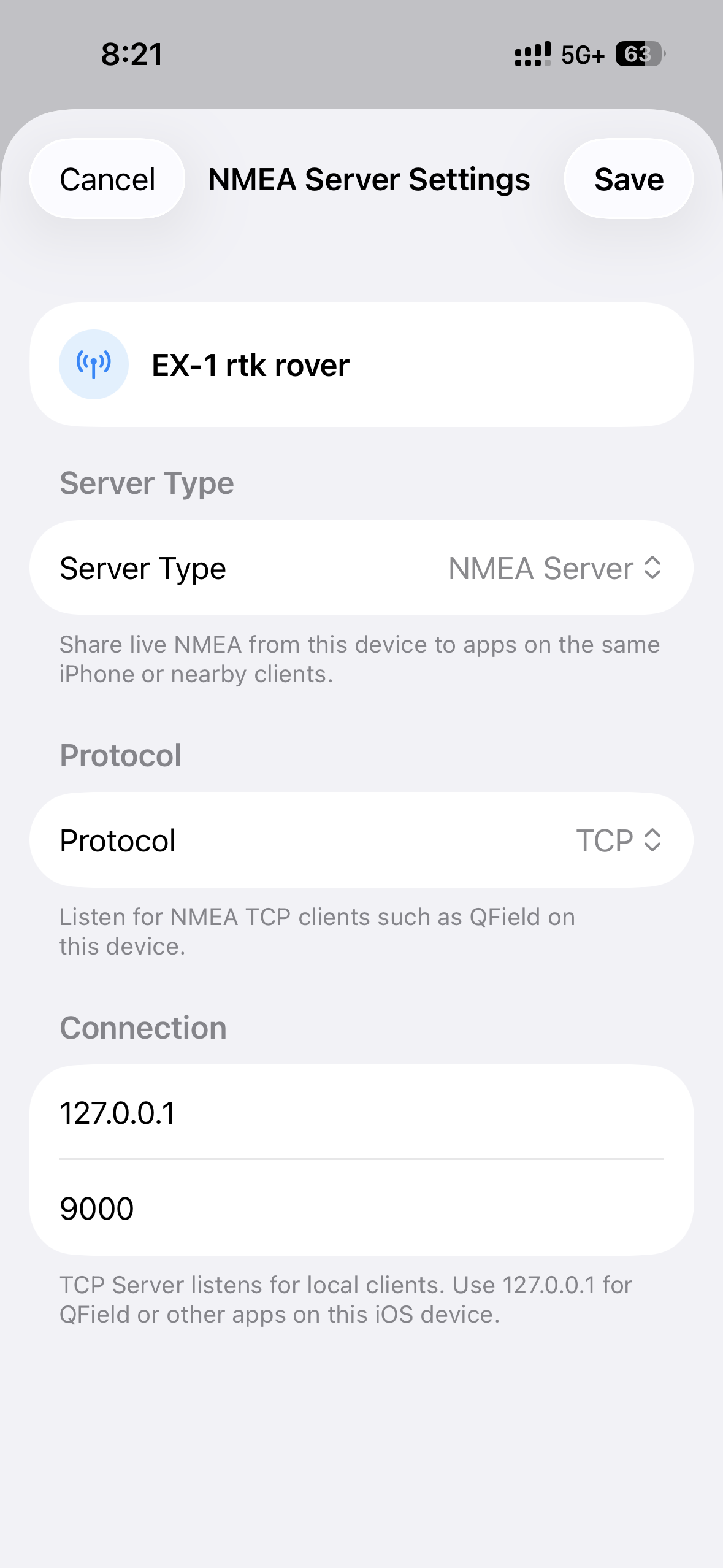
Share the receiver’s NMEA stream with other iOS apps that support TCP/UDP NMEA clients—on the same device.
Collect, Stakeout & Export
Use the app’s projects, points, tracks, stakeout and export tools when you want a complete workflow without a third-party field app.
Want the full feature list, compatible-receiver notes and setup details? See the GeoAstra BLE-GNSS iOS App product page.
Product Resources
Official Documents


YouTube Videos

Downloads
Driver Downloads
-
 Windows driver (Windows XP, 7, 8.1, 10 and 11)
-
 macOS driver (macOS 10.7 – 13)
-
 Linux driver (Linux 2.6.38 or greater)
-
Linux driver (Linux 3.xx / 4.xx / 5.xx)
Tool Downloads
How-to Articles and Blogs
-
 How to enable SBAS for Columbus P-7 Pro?
-
The static drift filter of Columbus P-7 Pro
-
Compatible external antenna requirements for P-7 Pro
-
Modify the NMEA sentences for P-7 Pro
-
Modify the update frequency for P-7 Pro
-
Modify the baud rate for P-7 Pro
-
How to install Windows driver for P-7 Pro?
-
How to install macOS driver for P-7 Pro?
-
How to use P-7 Pro on Android?
-
How to use P-7 Pro on Linux?
-
How to view the positioning information?
-
How to connect a GPS/GNSS Receiver to Google Earth on Windows?
Tech Support Topics and Forums
-
 Can the main unit of the P-7 Pro work without connecting the antenna?
-
Why is there no data output sometimes when I connect the P-7 Pro by USB port?
-
Does the location data output from P-7 Pro represent the location of the antenna or the main unit?
-
Are you having trouble seeing SBAS satellites even though you've enabled them in your P-7 Pro?
-
Why is the P-7 Pro experiencing reduced accuracy when tested with certain apps?