
GeoAstra
GeoAstra NTRIP Caster Enterprise Edition
GeoAstra NTRIP Caster Enterprise Edition
Country of Origin: Canada
Couldn't load pickup availability
A Dedicated NTRIP Service for Your Entire Organization
Connect up to 50 RTK base-station mountpoints to one dedicated GeoAstra Caster and distribute their correction streams to up to 1,000 rover connections—through a portal branded and administered by your organization.
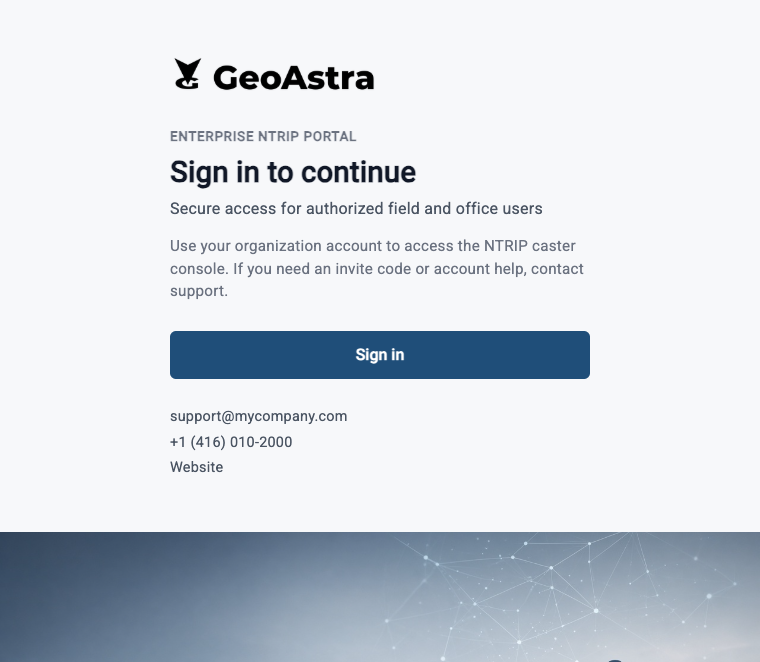
Enterprise Caster at a Glance
A complete operating environment for organizations that need more than a shared Caster account.
Dedicated Environment
Your organization operates in its own application and database environment—not a shared Caster account or shared customer database.
Enterprise Capacity
Support up to 50 base-station mountpoints and 1,000 rover connections.
Your Brand & Access Policy
Present a white-label portal and control onboarding with public access or an invite/existing-email gate.
Customer-Side Operations
Manage users, roles, mountpoints, live connections, Caster controls and operational logs.
See How an NTRIP Caster Works
Watch this short introduction to understand how an RTK base sends correction data through an NTRIP Caster to internet-connected rovers. Enterprise management and branding features are detailed below.
For full-screen viewing or to copy and share the video link, open the video directly on YouTube.
Watch on YouTubeOne RTK Network, Built Around Your Organization
Connect permanent or temporary RTK bases to dedicated mountpoints, then deliver their RTCM correction streams to authorized rovers wherever internet connectivity is available.
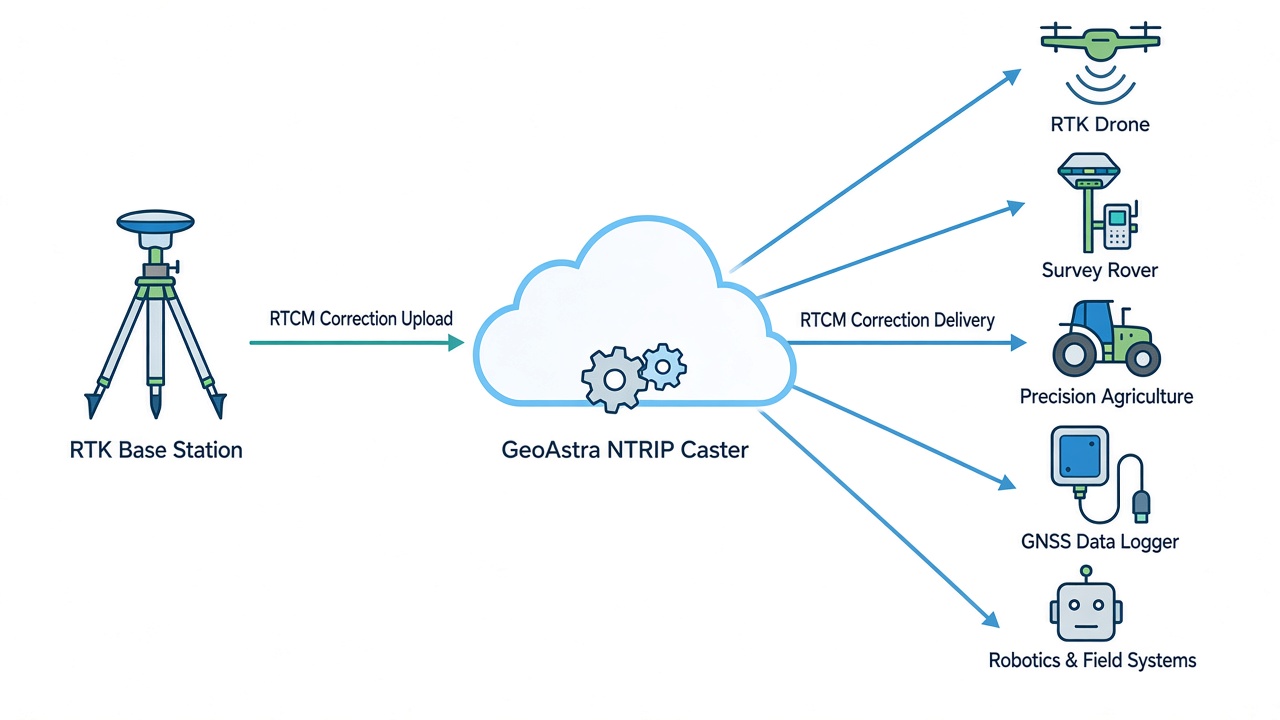
Use NTRIP-capable RTK GNSS receivers and equipment such as survey rovers, robots, drones and precision-agriculture systems. Positioning performance depends on the GNSS equipment, base coordinates, correction quality, baseline, environment and network conditions.
Protocol note: correction-stream connections use the Caster's HTTP-based NTRIP endpoint and are not protected by HTTPS/TLS. The Web management interface is delivered separately over HTTPS/TLS.
A White-Label Portal That Looks Like Your Service
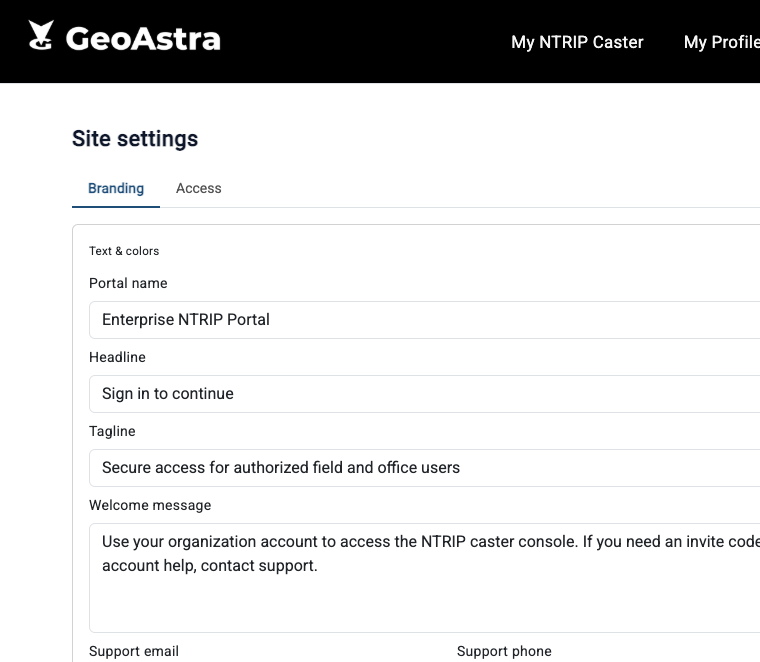
Customer-Controlled Branding
Present a clear, professional entry point for your employees, contractors or customers. Enterprise Site settings let an authorized administrator configure:
- Portal name, headline, tagline and welcome message
- Support email, phone number, help link and company website
- Primary color and sign-in button label
- Horizontal logo, hero image and browser favicon
- Optional “Powered by GeoAstra” visibility
Branding continues after sign-in through the portal title, favicon and header logo.
Control Who Can Continue to Sign In
Keep public registration open when appropriate, or add a pre-authentication access gate for controlled onboarding.
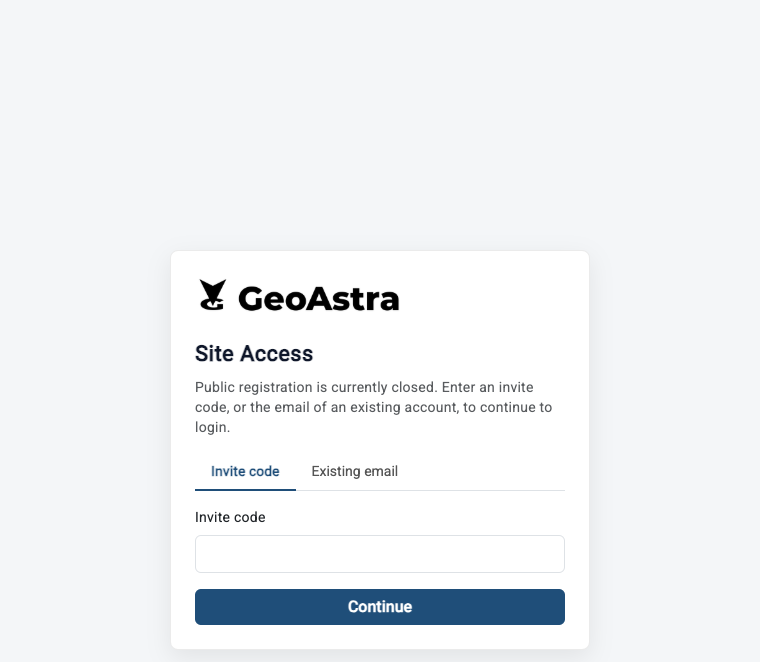
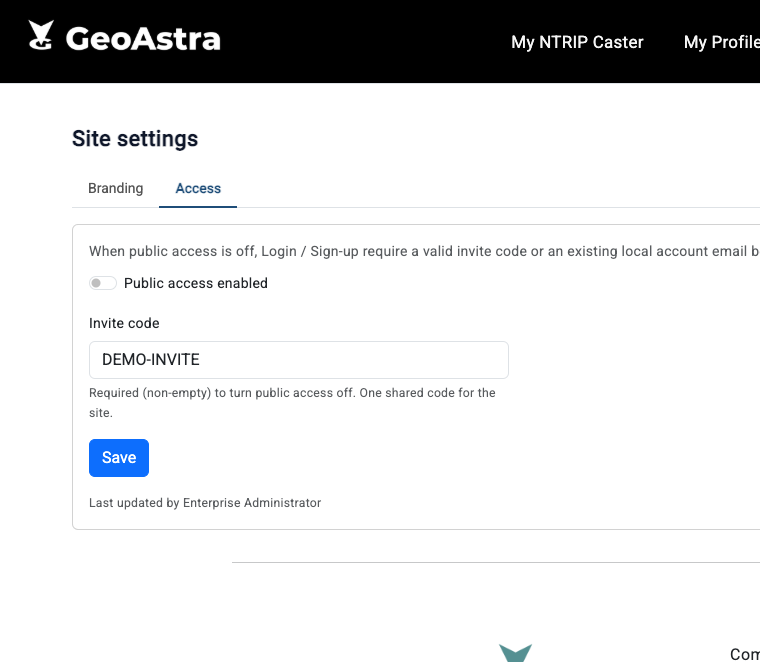
Invite New Users, Recognize Returning Users
When public registration is closed, the branded Site Access screen appears before authentication. A new user can continue with the organization’s invite code, while a returning user can use an email already associated with a local account.
If neither check succeeds, the visitor cannot proceed to the Auth0 sign-in step. The access gate controls eligibility to continue; it does not replace the user’s Auth0 credentials or the OAuth2/OIDC authentication process.
Enterprise Admin: Operate Your Dedicated Instance
Delegate Day-to-Day Administration
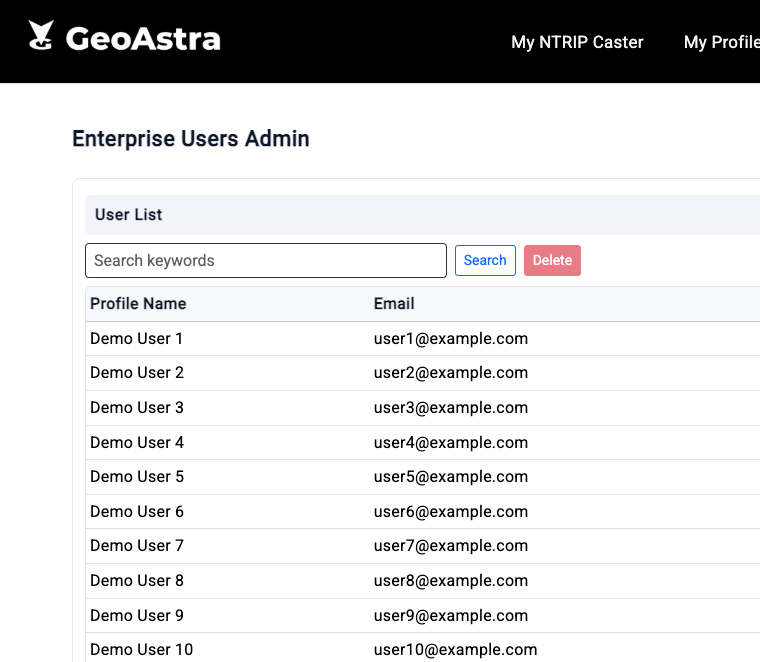
Customer-side Enterprise administrators can manage the people, permissions and NTRIP resources that belong to the dedicated deployment.
Users & Access
- Search and review local users
- Edit profiles, status and service credentials
- Assign approved service roles
- Set per-user mountpoint and client limits
Services & Resources
- Maintain user mountpoints
- Manage licenses
- Use NTRIP Server Admin
- Update branding and access policy
Mountpoints, Credentials and Source Table Data
Credentials & User Limits
- Maintain source/upload credentials for authorized RTK bases
- Maintain rover/download credentials
- Set user-level client limits
- Provide clear Caster host, port and mountpoint settings
Mountpoints & Source Table
- Create and manage mountpoints within the Enterprise capacity
- See base online/offline status
- Maintain format, navigation systems, coordinates, authentication and other supported Source Table metadata
- Apply updated Caster configuration
Live Operations and Caster Controls
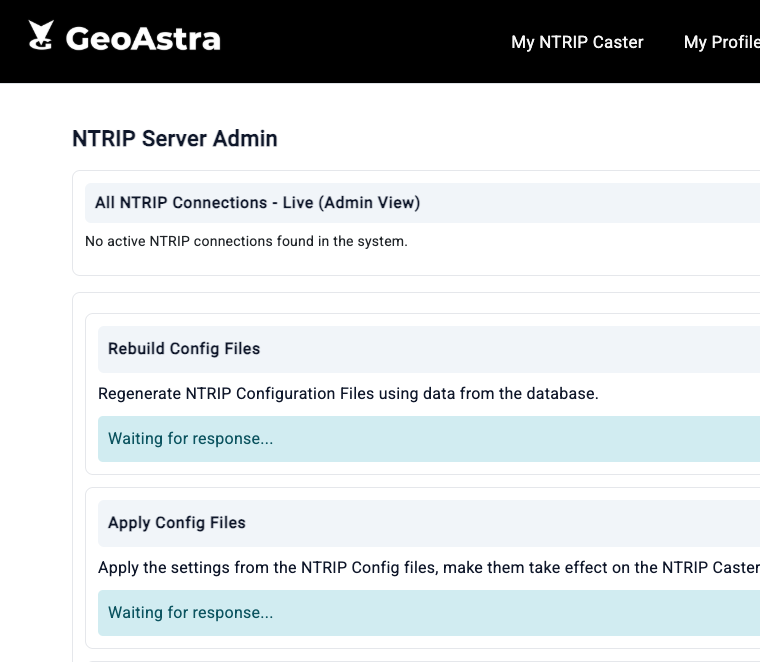
Operate Without Routine SSH Work
- View current NTRIP connections across the dedicated instance
- Review mountpoint, connection type, agent, user and connection duration
- Rebuild configuration files from the management database
- Apply configuration without interrupting current connections
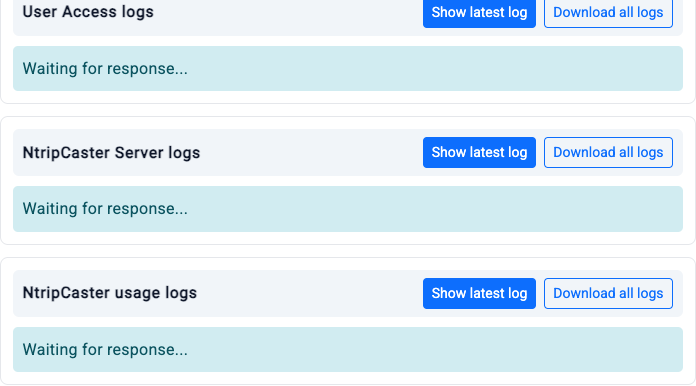
Three Operational Log Views
- User Access logs for connection and access activity
- NtripCaster Server logs for service events and troubleshooting
- NtripCaster usage logs for bandwidth, source, client and administration usage information
Each log area can show the latest available entries or download the complete log package for further review.
A guided restart control is also available when required. Restarting the NTRIP engine disconnects active sessions and may interrupt service for approximately 20 seconds.
Included Tools for RTK and PPK Workflows
RTK Base Analyzer
Inspect the RTCM stream available from a mountpoint and review supported base information for troubleshooting and validation.
- Base-position information
- Active satellite constellations
- Signal-to-noise information when available
- Receiver and antenna descriptors when present
Analyzer reports information contained in the receiver stream; it does not create or guarantee positioning accuracy.
PPK Downloader
Record RTCM correction data from your mountpoint and download it for use in your own downstream PPK software and processing workflow.
- Start supported recordings immediately or schedule them
- Record for up to 24 continuous hours
- Secure cloud retention for 7 days
- Download the resulting RTCM files
PPK Downloader records correction data; it does not calculate the final PPK solution.
Customer Domain and Guided Onboarding
Custom Domain Support Is an Assisted Setup
GeoAstra can configure the dedicated deployment for a customer domain and HTTPS. Domain binding is not a self-service setting in the management portal. During onboarding, GeoAstra coordinates hostname, DNS and TLS certificate requirements with your IT or DNS administrator.
Onboarding Contact
An account manager normally contacts you within 24 hours after payment.
Dedicated Provisioning
GeoAstra normally prepares the dedicated infrastructure within 1–3 business days.
Supply Branding
Provide your logo, hero image, support details and desired customer domain.
Coordinate DNS & TLS
GeoAstra works with your IT team on the required domain and certificate steps.
Configure and Launch
Set portal content, access policy, users, roles, credentials and mountpoints.
Subscription Options
Forum and email support are included. The subscription does not renew automatically. To continue service, place a new order before the current term expires. If service is not renewed, the deployment may be terminated and its database archived.
Documentation
Enterprise Edition Customer Guide
Learn the Portal Before You Start
Click the document icon to open the Enterprise Edition Customer Guide. It explains everyday user workflows and Enterprise Admin tasks, including site setup, license activation, user management, and day-to-day operations.
If you would like to evaluate a trial instance of the Enterprise Edition, please email info@geoastra.com to request a trial. We will arrange it for you.
